# Re-platforming IBM MQ to Amazon MQ
The following procedure shows how you can migrate an [IBM MQ](ibm-mq-typical-architecture.md) to an equivalent Amazon MQ without impacting *App 1* or *App 2*:
1. Create an [active/standby broker](https://docs.amazonaws.cn//amazon-mq/latest/developer-guide/active-standby-broker-deployment) in *us-east-1* and another in *us-east-2* named as **AMQ\_ORANGE** and **AMQ\_APPLE**.
1. Create a *Network Bridge* between 2 brokers by adding a duplex network connector definition to one of the queues:
```
```
After the reboot of **AMQ\_ORANGE**, there should be a Network Bridge created between both brokers as illustrated below: 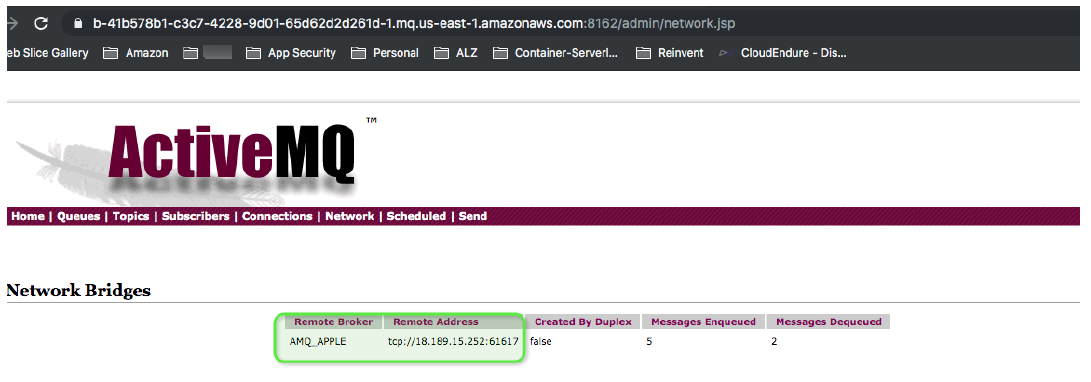 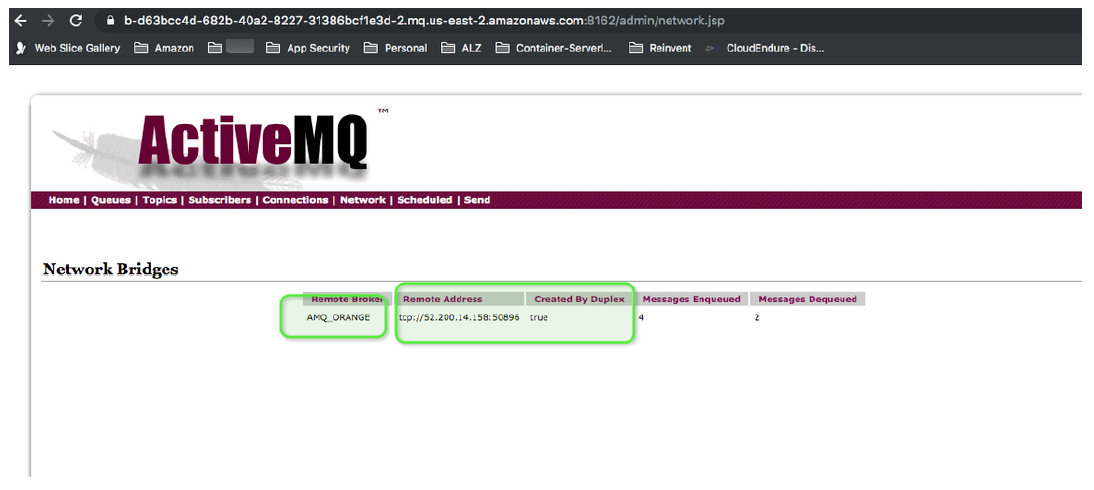
**Note**
Steps 1 and 2 can be replicated using a Amazon CloudFormation template. For more information about using Amazon CloudFormation to set up Amazon MQ brokers, see the Amazon MQ [Amazon CloudFormation Template Reference](https://docs.amazonaws.cn//AWSCloudFormation/latest/UserGuide/AWS_AmazonMQ).
1. Log in to IBM MQ Queue Manager Host and list the queues/topics definitions. In **QM\_ORANGE**, you can list the queues and topics from IBM MQ using the following command:
```
$ sudo dmpmqcfg -m QM_ORANGE -t queue -o 1line |
grep -v "SYSTEM" |
grep -v "AUTHREC" |
grep -v "*" |
gawk -F: '{ print $1 }‘
```
The output:
```
DEFINE QREMOTE('Q1') RQMNAME('QM_APPLE') RNAME('Q1') XMITQ('QM_APPLE') REPLACE
DEFINE QLOCAL('Q2') DISTL(NO) MAXDEPTH(5000) REPLACE
DEFINE QLOCAL('QM_APPLE') GET(DISABLED) MAXDEPTH(5000) USAGE(XMITQ) REPLACE
```
In the example above, `Q1` is the link to the remote queue, `QM_APPLE` is the transit queue, and `Q2` is the local queue. We only need local queue `Q2` for the Amazon MQ setup, which can be defined in the broker configuration as ` `
`Q1` is a local queue on `QM_APPLE` and `Q2` is a local queue in `QM_ORANGE`. You can configure these resources accordingly in **AMQ\_APPLE** and **AMQ\_ORANGE** by using the following configuration
```
```
Similairly, get the list of queues and topics from `QM_APPLE`.
1. Manually create a dead letter queue strategy in the AMQ configuration file.
The defaultdead letter queue in ActiveMQ is called `ActiveMQ.DLQ`. All un-deliverable messages will get routed to this queue. To streamline this process, you can set up an `individualDeadLetterStrategy` in the destination policy map of the `activemq.xml` configuration file, allowing you to specify a specific dead letter queue prefix for a given queue or topic. You can apply this strategy using a wild-card so that all queues can be set up with their own dead-letter queues, as is shown in the example below:
```
```
**Note**
**Dead-Letter queue expiration - **By default, ActiveMQ will **never** expire messages sent to a Dead-Letter Queue (DLQ). However, beginning with ActiveMQ 5.12, the `deadLetterStrategy` supports an expiration attribute whose value is given in milliseconds as shown below:
```
<.... expiration="300000"/>
```
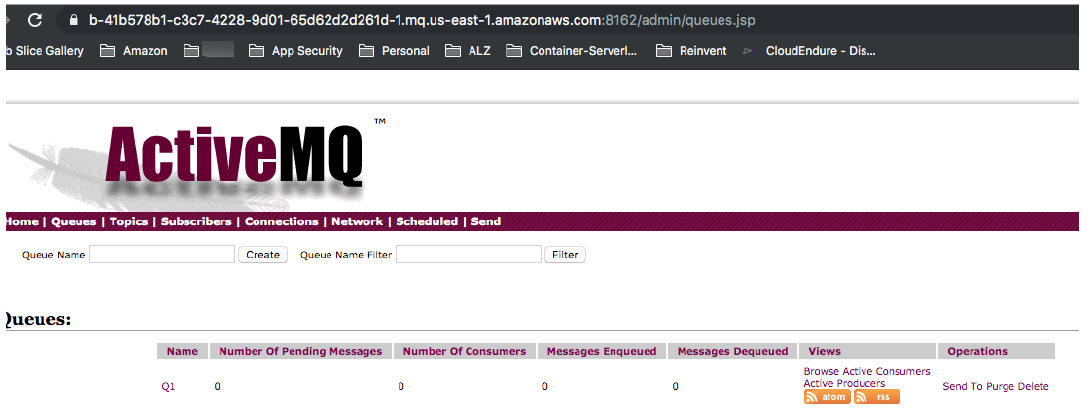
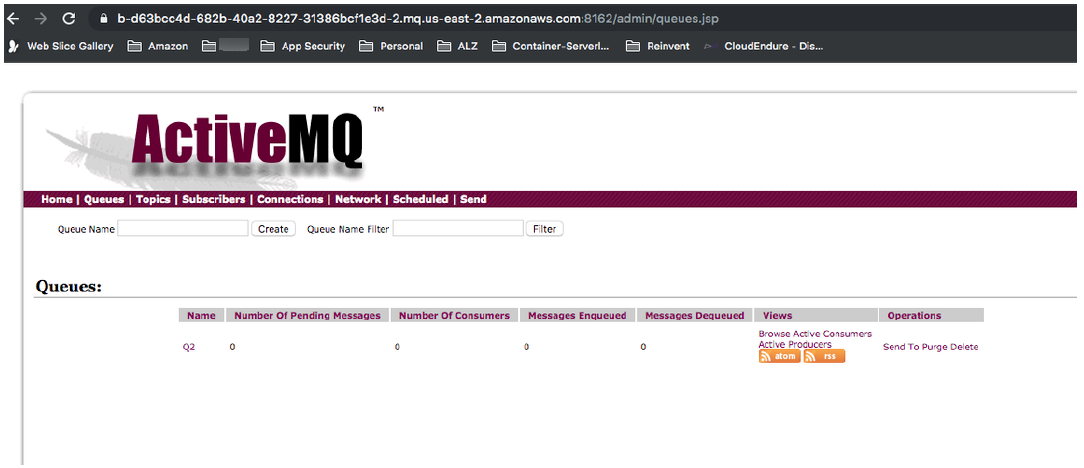
1. Create local queue `Q1` on **AMQ\_ORANGE** and `Q2` on **AMQ\_APPLE** as shown in the following: