One-time insights report
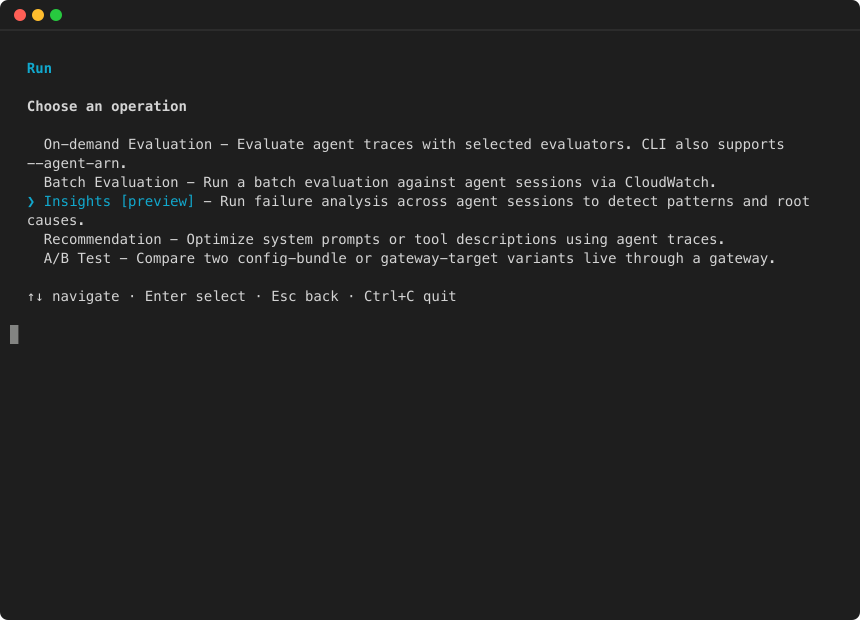
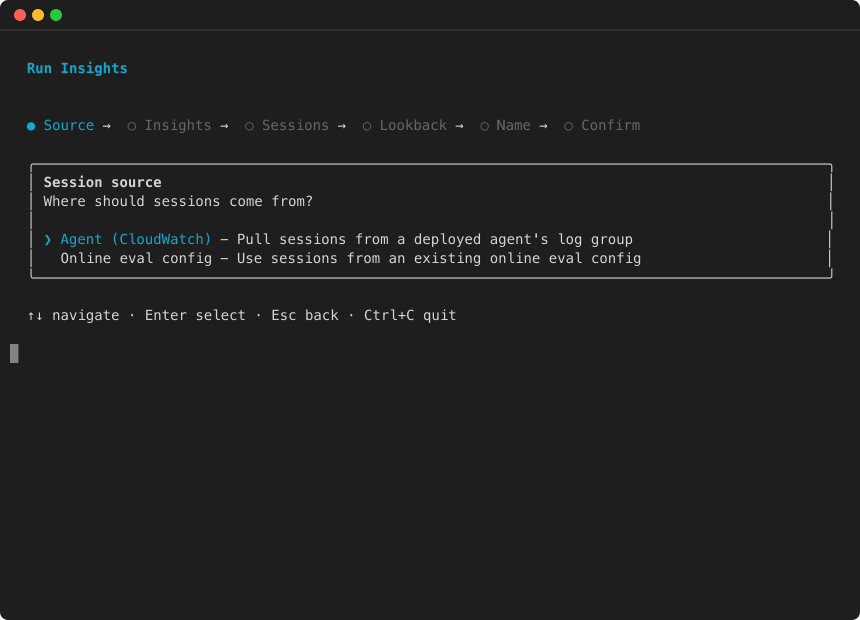
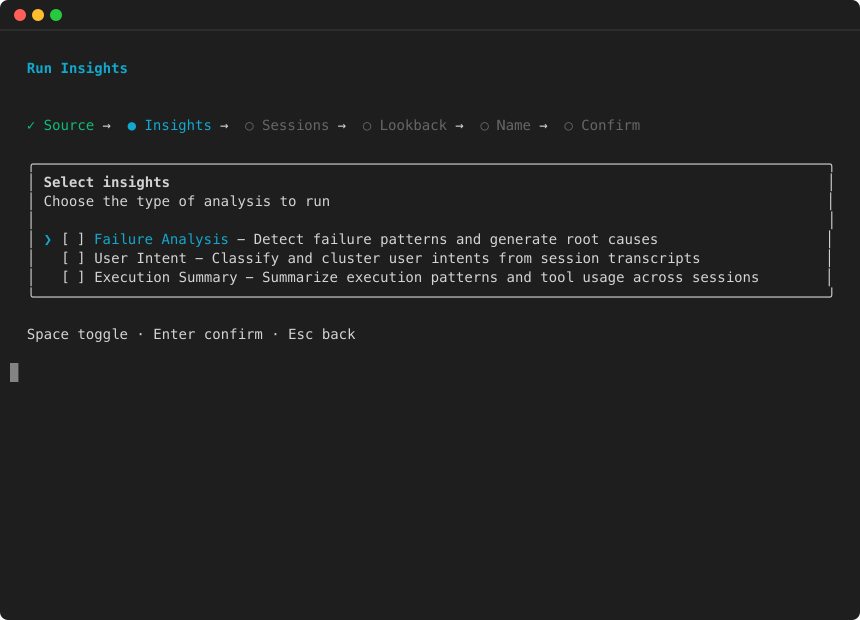
Use StartBatchEvaluation to run an on-demand insights analysis over your agent’s sessions. This is useful when you want to investigate agent behavior after a deployment, a spike in failures, or as a periodic manual check.
Topics
Start the analysis
Example
Poll for results
Example
Review failure analysis findings
if "failureAnalysisResult" in result:
    for category in result["failureAnalysisResult"]["failures"]:
        print(f"\nCategory: {category['name']} ({category['affectedSessionCount']} sessions)")
        for sub in category.get("subCategories", []):
            print(f"  Subcategory: {sub['name']} ({sub['affectedSessionCount']} sessions)")
            for rc in sub.get("rootCauses", []):
                print(f"    Root cause: {rc['name']}")
                print(f"    Recommendation: {rc['recommendation']}")
                print(f"    Affected sessions: {rc['affectedSessionCount']}")
| Field | Type | Description |
|---|---|---|
|
|
String |
Failure category name (e.g., "Execution errors", "Hallucinations"). |
|
|
Integer |
Number of sessions affected by this category. |
|
|
String |
Subcategory name (e.g., "Rate limiting", "Tool schema violations"). |
|
|
Integer |
Number of sessions affected by this subcategory. |
|
|
String |
Root cause cluster name. |
|
|
String |
Suggested fix for this root cause. |
|
|
Integer |
Number of sessions affected by this root cause. |
|
|
List |
Sessions in this cluster, each with |
User intent results
The userIntentResult field contains clustered user intents:
if "userIntentResult" in result:
    for cluster in result["userIntentResult"]["userIntents"]:
        print(f"  {cluster['name']} ({cluster['affectedSessionCount']} sessions)")
        print(f"    {cluster['description']}")
| Field | Type | Description |
|---|---|---|
|
|
Integer |
Cluster identifier. |
|
|
String |
Cluster name describing the common intent. |
|
|
String |
Detailed description of the intent pattern. |
|
|
Integer |
Number of sessions with this intent. |
|
|
List |
Sessions in this cluster, each with |
Execution summary results
The executionSummaryResult field contains clustered execution patterns:
| Field | Type | Description |
|---|---|---|
|
|
Integer |
Cluster identifier. |
|
|
String |
Cluster name describing the execution pattern. |
|
|
String |
Detailed description of the pattern. |
|
|
Integer |
Number of sessions with this pattern. |
|
|
List |
Sessions in this cluster, each with |
Interpreting results
-
Start with failure analysis: Focus on categories with the highest
affectedSessionCount. These represent the most impactful issues. -
Drill into root causes: Within each subcategory, root cause clusters tell you exactly what’s going wrong and how to fix it. Each cluster includes a
recommendationfield. -
Use user intents to prioritize: Cross-reference failure categories with user intent clusters. Failures affecting your most common user intents should be highest priority.
-
Track execution patterns: Execution summaries reveal how your agent approaches problems — useful for understanding whether failures stem from the agent’s strategy versus tool/environment issues.
Validation rules
-
insightsandevaluatorsare mutually exclusive — provide one or the other, not both. -
Maximum 10 insights per request.
-
dataSourceConfigis required and must include at least one log group and one service name. -
If using
onlineEvaluationConfigSource, do not provideinsightsorevaluators(the config is inherited). -
If
filterConfig.timeRangeis specified,startTimemust be earlier thanendTime. -
Timestamps must be valid ISO 8601 format.
-
Only one batch evaluation can be active per account at a time.
-
A maximum of 500 sessions are analyzed per insights run.