Edit portal attributes
Note
The SiteWise Monitor feature is no longer available to new customers. Existing customers can continue to use the service as normal. For more information, see SiteWise Monitor availability change.
You can change a portal's name, description, branding, support email, and service access.
-
On the portal details page, in the Portal details section, choose Edit.
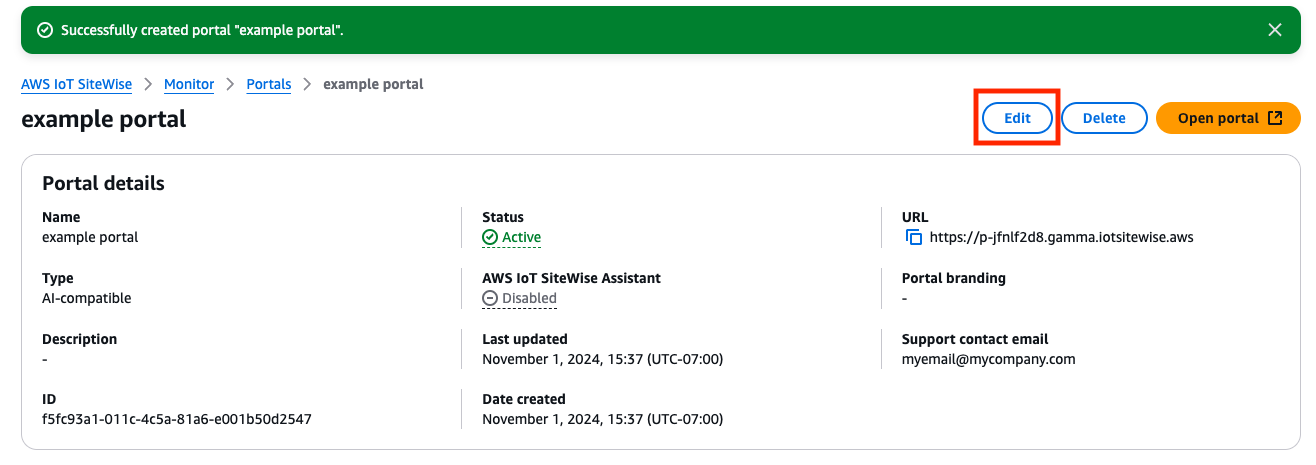
-
Update the Name, Description, Portal branding, Support contact email, Amazon IoT SiteWise Assistant or Service access.
-
When you're finished, choose Save changes.