Dynamic assets
Note
The SiteWise Monitor feature is no longer available to new customers. Existing customers can continue to use the service as normal. For more information, see SiteWise Monitor availability change.
The new SiteWise Monitor allows customers to dynamically switch assets for a selected asset model. You can visualize properties from different assets by selecting from a drop down menu.
Dynamic assets visualization
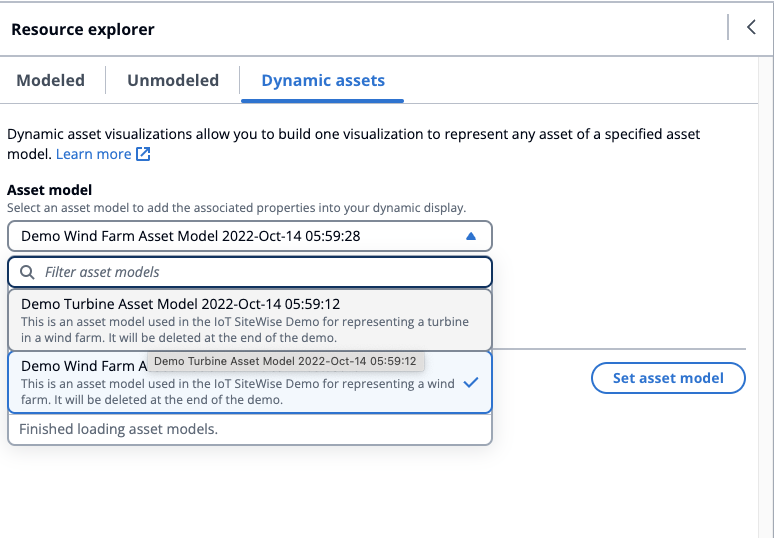
Choose the Dynamic assets tab on the resource explorer.
Select an Asset model to list assets for from the drop down menu.
Select the Default asset from the drop down menu.
Choose Set asset model to select the asset model.
Save the dashboard. In the Preview mode, choose different assets from the drop down menu to monitor the properties under each asset, without reconstructing the data panels.