Getting started: initial setup
This section walks you through the initial setup of Scenario Discovery: accessing the console and creating a workspace.
Accessing Scenario Discovery
You access Scenario Discovery through the Amazon IoT SiteWise console. Navigate to Amazon IoT SiteWise and open Scenario Discovery from the left navigation menu near the bottom. Choose Get Started to explore the benefits, features, use cases, and how Scenario Discovery works.
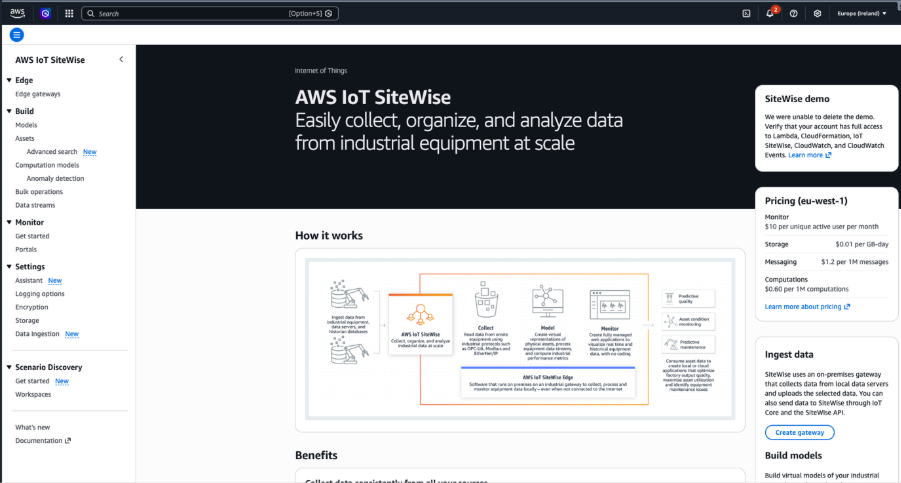
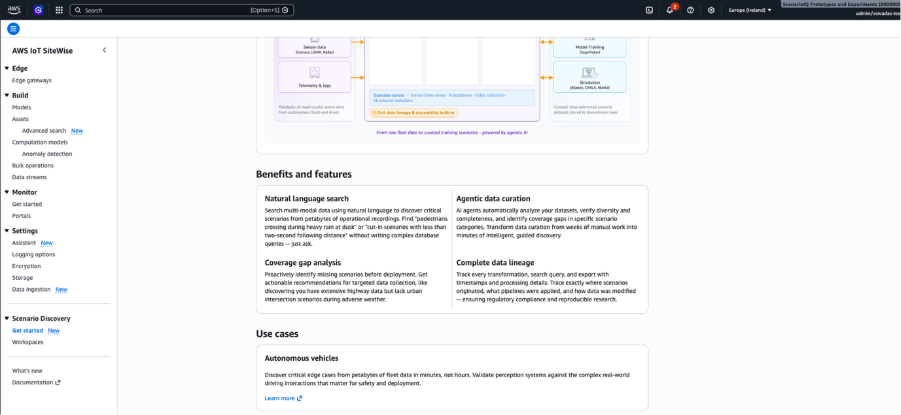
You can now create a workspace.
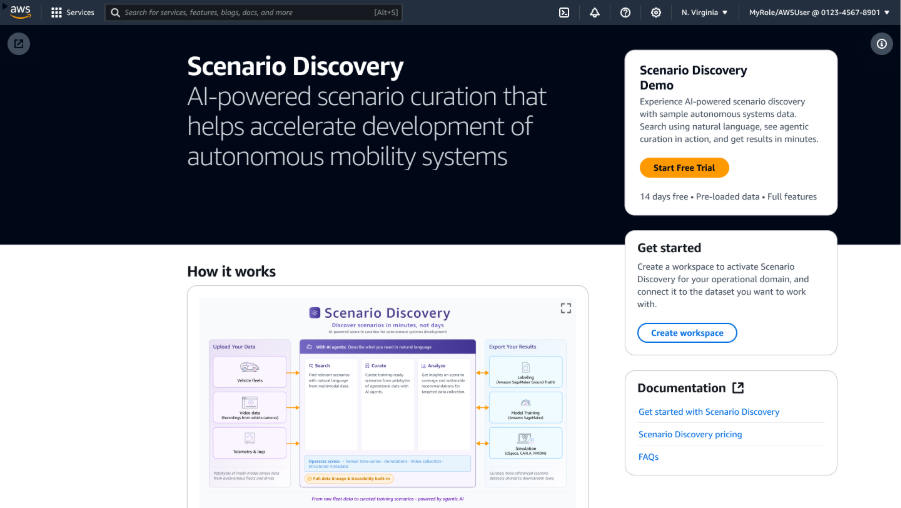
What is a workspace?
A workspace is a data tenancy concept that allows you to maintain multiple data-isolated tenants within a single Amazon account. You can use workspaces to track usage, billing, resources, and datasets as they relate to your specific projects. You can identify resources, storage, and usage on a per-project basis and develop, version, and maintain per-project environments independently of one another, all within one Amazon account.
Creating your workspace
A workspace is your team's dedicated, isolated environment. Workspace Admins configure access control, environment isolation, and data governance policies.
To create a workspace, complete the following steps:
-
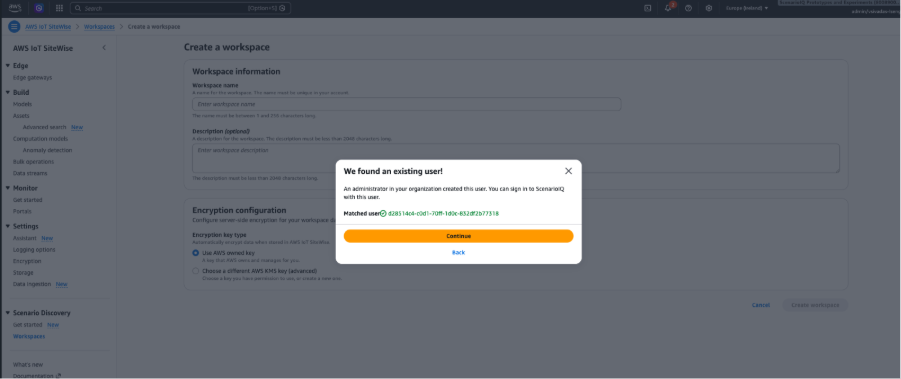
From the Scenario Discovery console, choose Create Workspace.
-
Enter a workspace name and optional description.
-
Review and choose Create workspace.

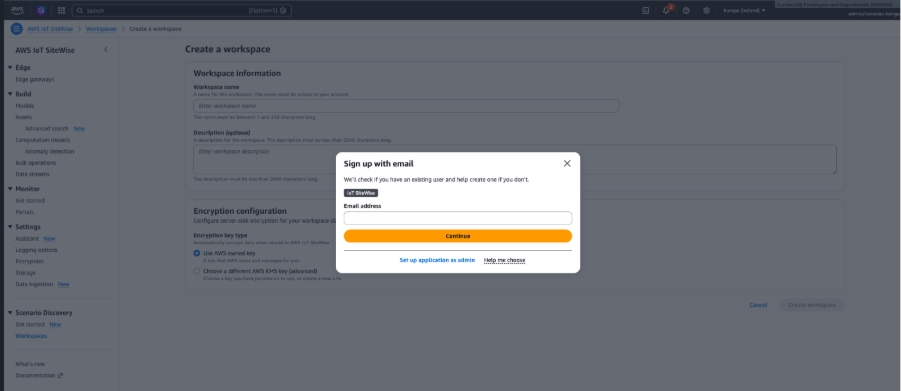
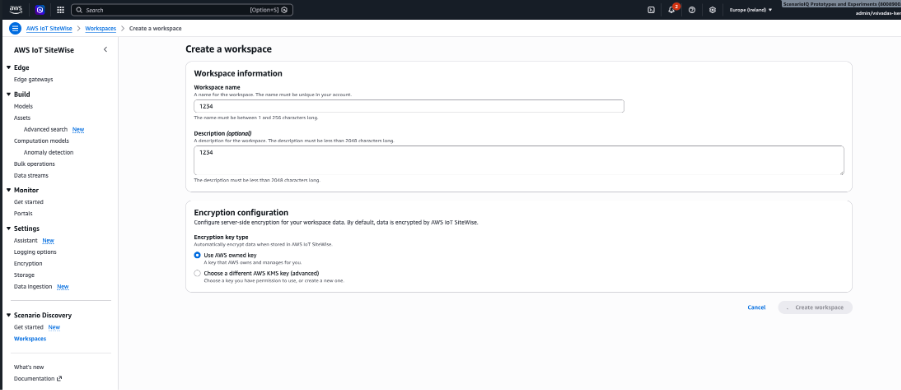
For creating an encrypted workspace with your own KMS keys, see Encryption at rest for instructions.

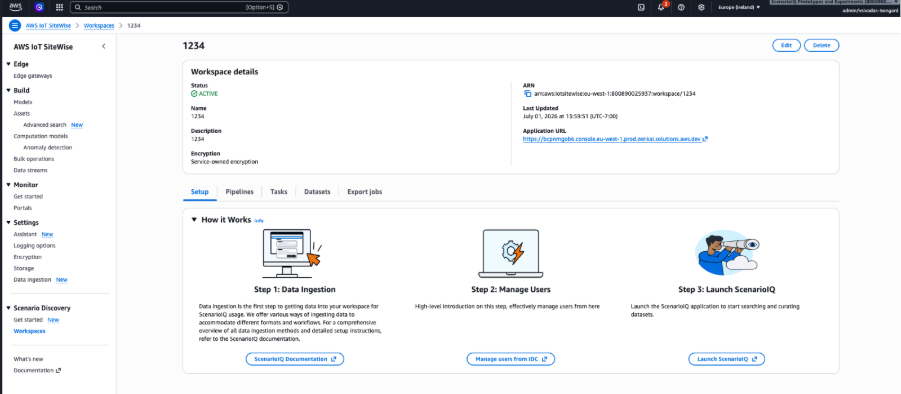
You have now created a workspace.