Add integration
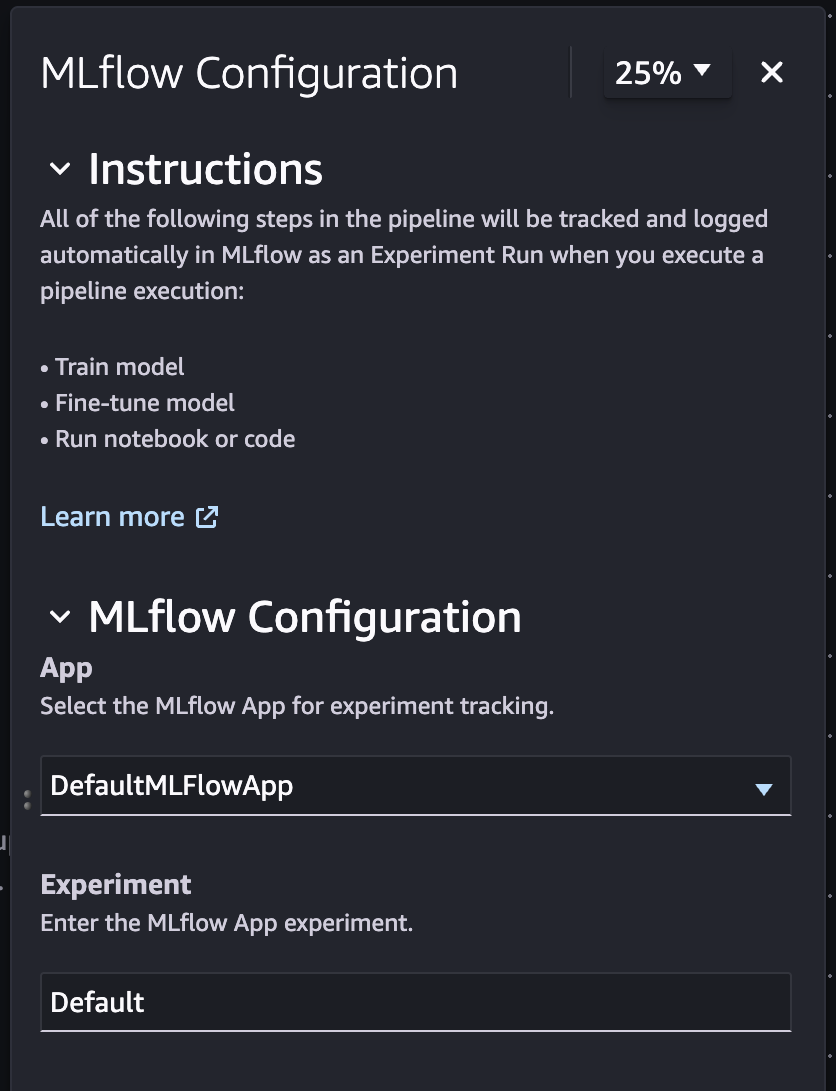
MLflow integration allows you to use MLflow with pipelines to select a tracking server or serverless application, choose an experiment, and log metrics.
Key concepts
Default app creation - A default MLflow application will be created when you enter the pipeline visual editor.
Integrations panel - A new integrations panel includes MLflow, which you can select and configure.
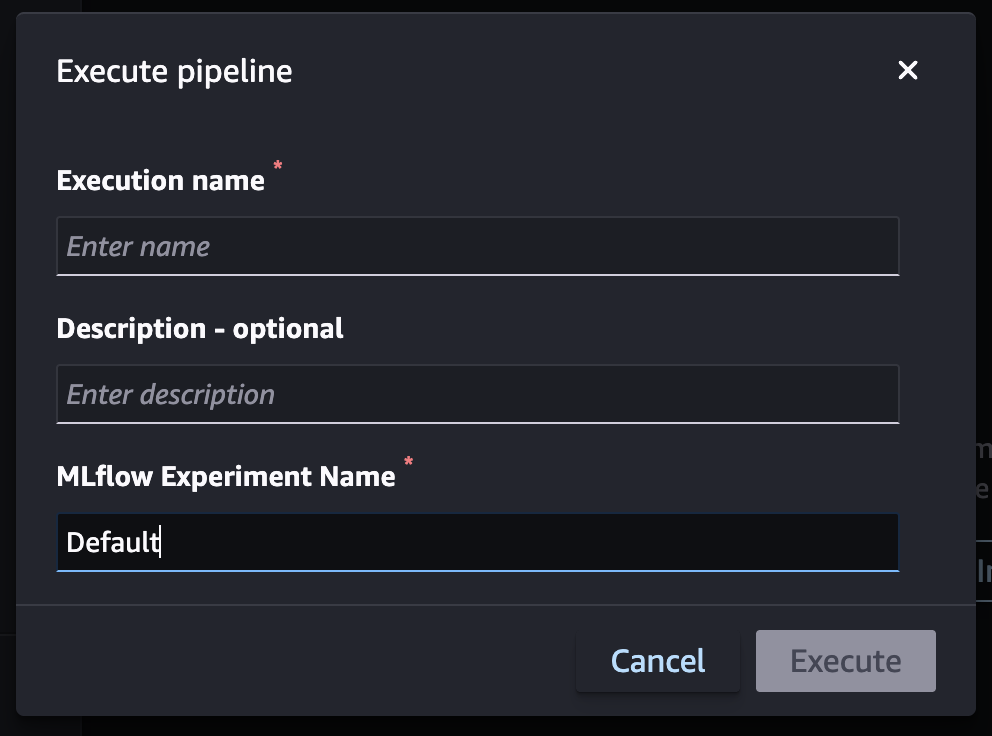
Update app and experiment - The option to override selected application and experiment during the pipeline execution.
How it works
-
Go to Pipeline Visual Editor
-
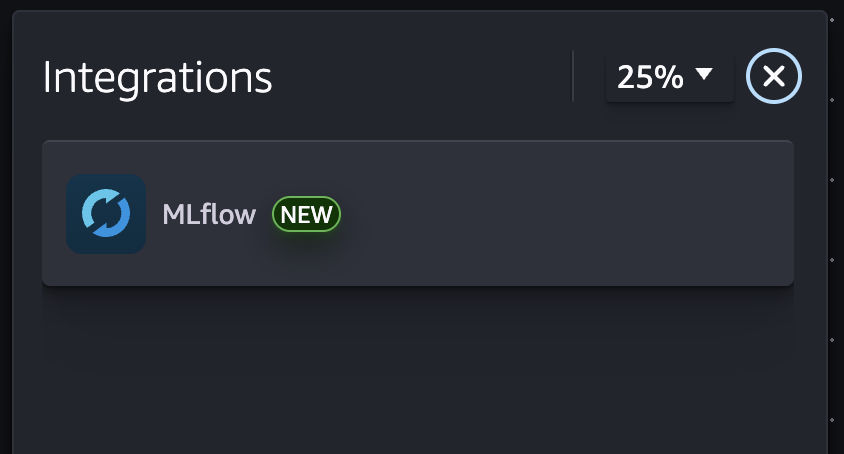
Choose Integration on the toolbar
-
Choose MLflow
-
Configure the MLflow app and experiment
Example screenshots
Integrations side panel
MLflow configuration
How to override experiment during pipeline execution