Reserve the best training plan
The search of a training plan has returned offerings that fit your capacity needs and budget.
-
Enter a name for your plan and then choose Next.
-
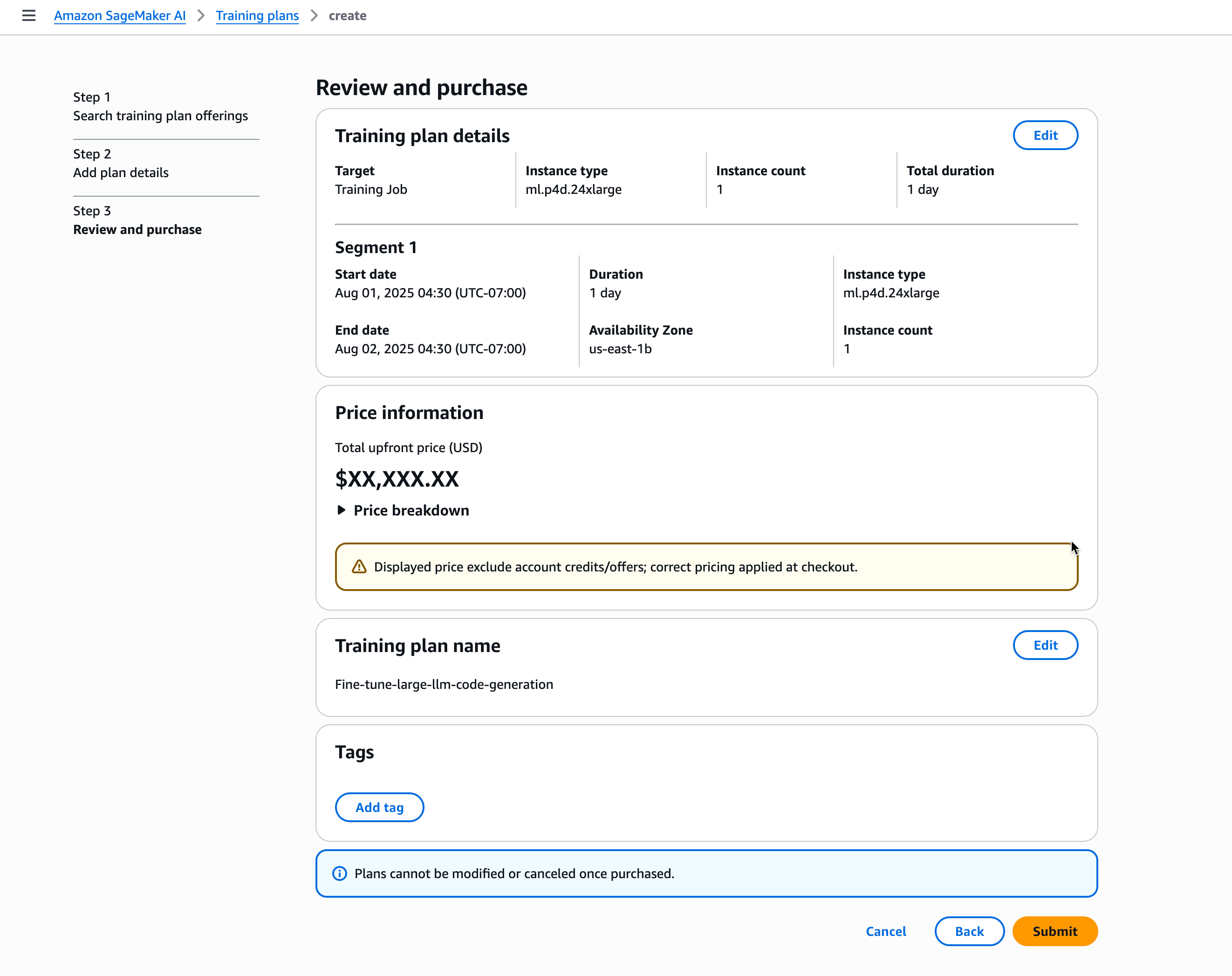
Review and Submit your purchase order.
Important
-
Training plans cannot be modified once purchased.
-
Training plans cannot be shared across Amazon accounts or within your Amazon Organization.
After submitting your order
-
The training plan initially appears as
Pendingin your training plan list. -
An invoice is generated automatically upon order receipt.
-
The total payment is collected during the fulfillment process.
-
Once payment is successfully processed, the plan status changes to
Scheduledand the plan becomes available for use.
-