Auto-scaling
On the Auto-scaling tab, you can view any auto-scaling policies configured for the models hosted on your endpoint. The following screenshot shows you the Auto-scaling tab.
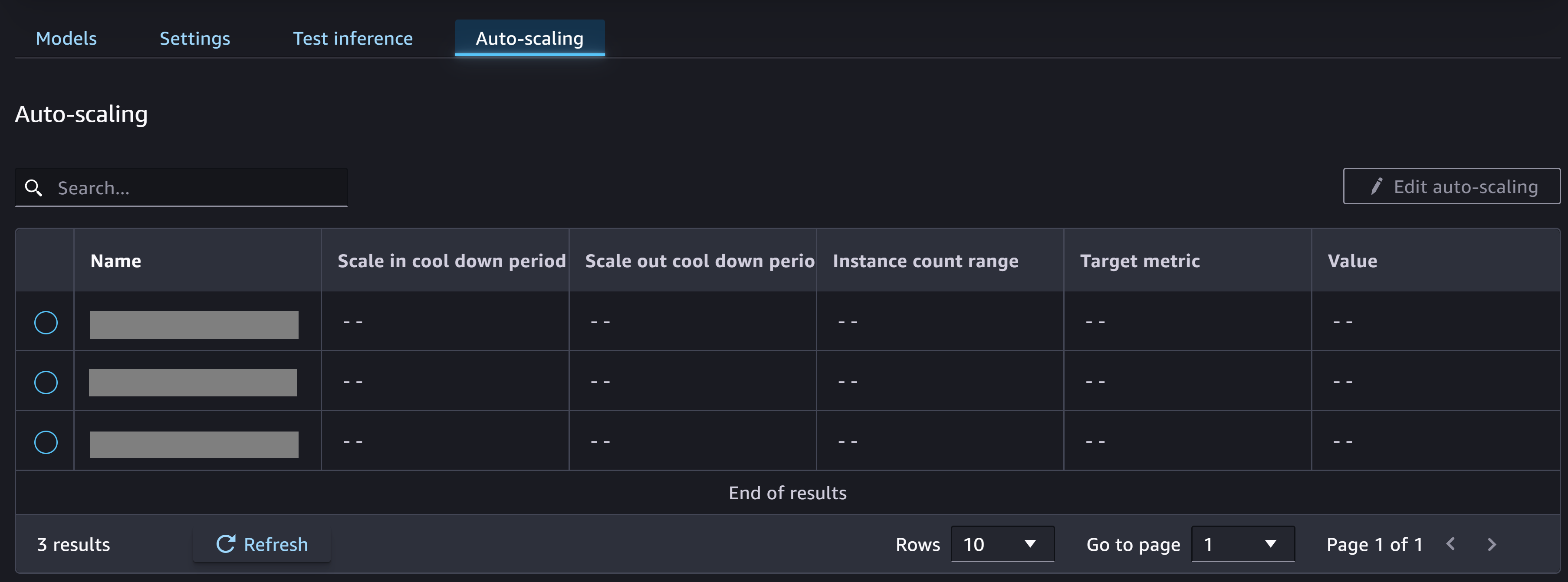
You can choose Edit auto-scaling to change any of the policies and turn on or turn off the default auto-scaling policy.
To learn more about auto-scaling for real-time endpoints, see Automatically Scale Amazon SageMaker AI Models. If you’re not sure how to configure an auto-scaling policy for your endpoint, you can use an Inference Recommender autoscaling recommendations job to get recommendations for an auto-scaling policy.