Access CloudWatch container insights dashboard - Amazon SageMaker AI
Services or capabilities described in Amazon Web Services documentation might vary by Region. To see the differences applicable to the China Regions, see Getting Started with Amazon Web Services in China (PDF).

Access CloudWatch container insights dashboard

  1. Open the CloudWatch console at https://console.amazonaws.cn/cloudwatch/.

  2. Choose Insights, and then choose Container Insights.

  3. Select the EKS cluster set up with the HyperPod cluster you're using.

  4. View the Pod/Cluster level metrics.

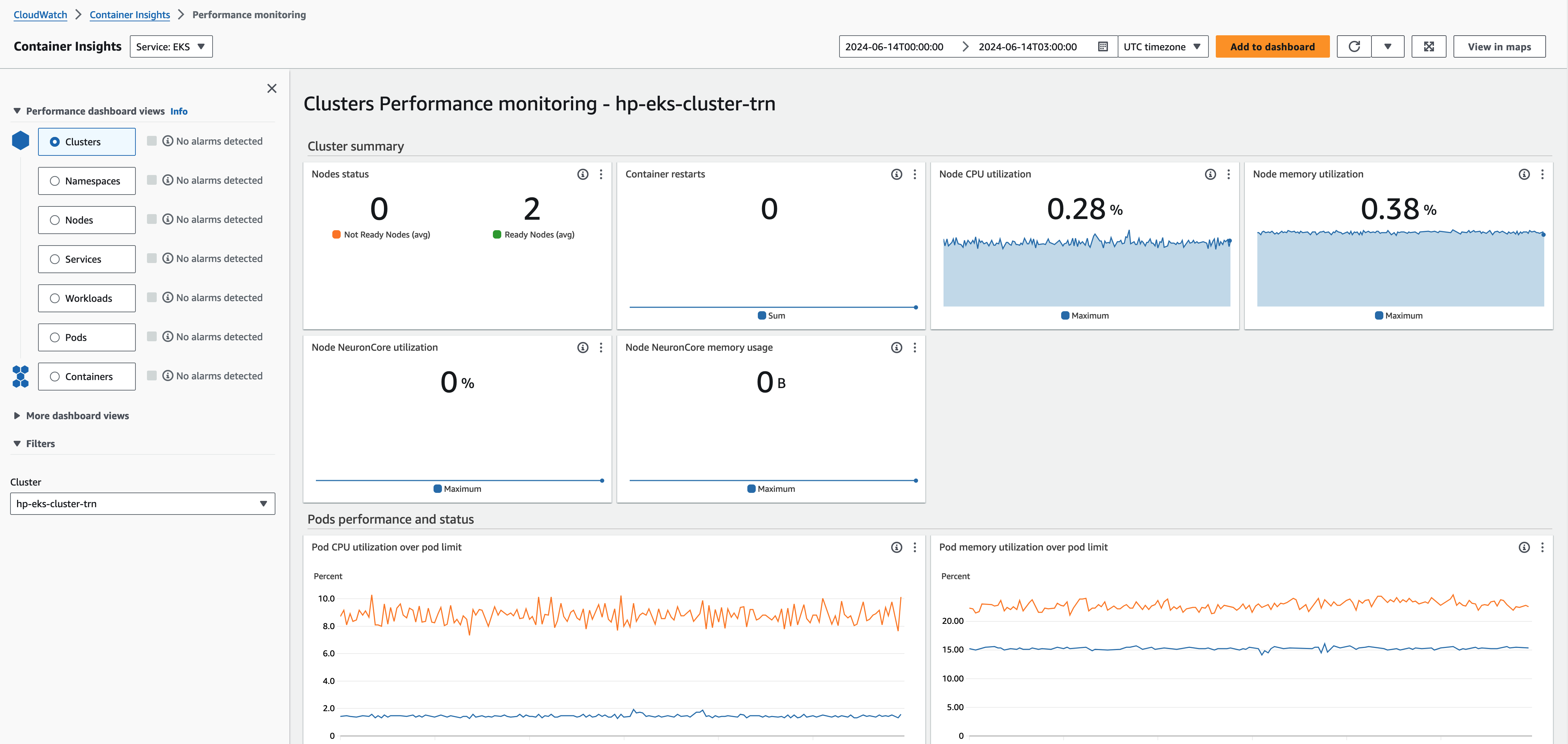
Performance monitoring dashboard for EKS cluster showing node status, resource utilization, and pod metrics.