Add integration - Amazon SageMaker AI
Services or capabilities described in Amazon Web Services documentation might vary by Region. To see the differences applicable to the China Regions, see Getting Started with Amazon Web Services in China (PDF).

Add integration

MLflow integration allows you to use MLflow with pipelines to select a tracking server or serverless application, choose an experiment, and log metrics.

Key concepts

Default app creation - A default MLflow application will be created when you enter the pipeline visual editor.

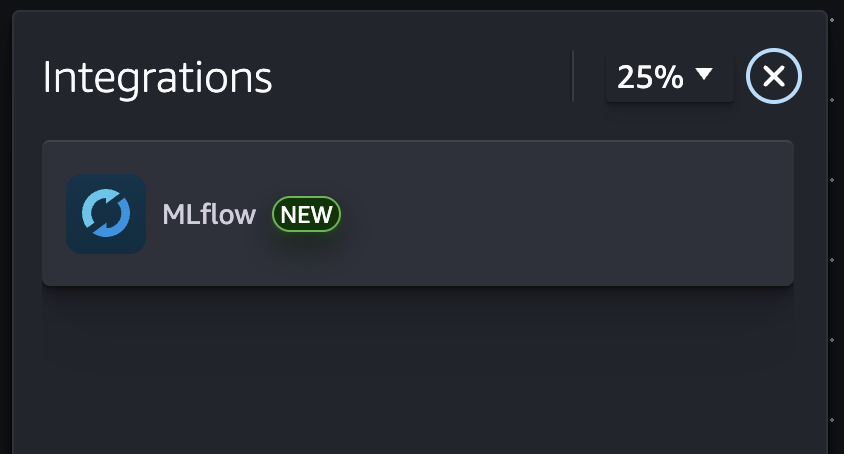
Integrations panel - A new integrations panel includes MLflow, which you can select and configure.

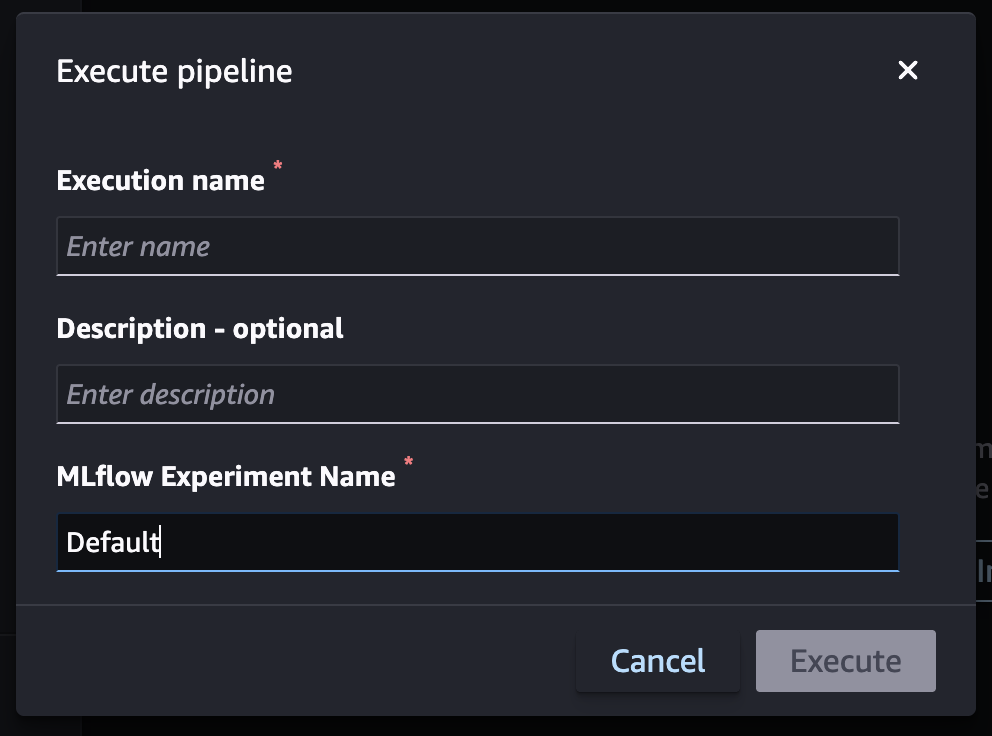
Update app and experiment - The option to override selected application and experiment during the pipeline execution.

How it works

  • Go to Pipeline Visual Editor

  • Choose Integration on the toolbar

  • Choose MLflow

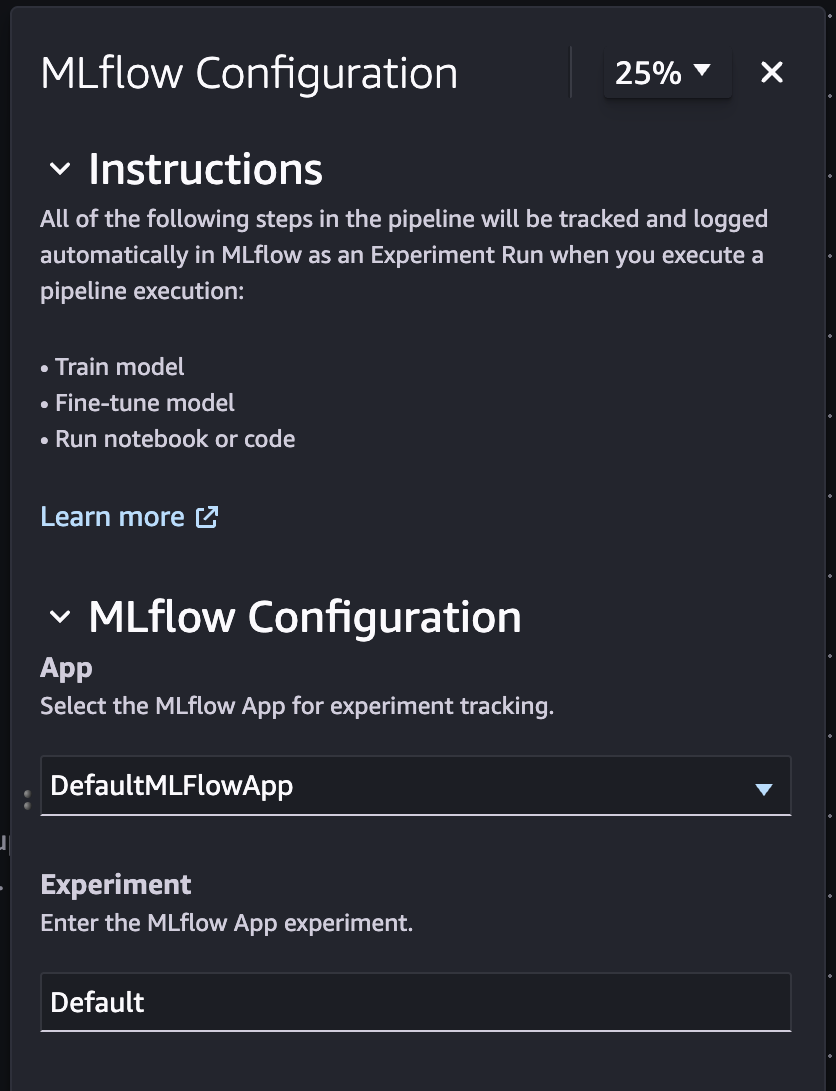
  • Configure the MLflow app and experiment

Example screenshots

Integrations side panel

The to do description.

MLflow configuration

The to do description.

How to override experiment during pipeline execution

The to do description.